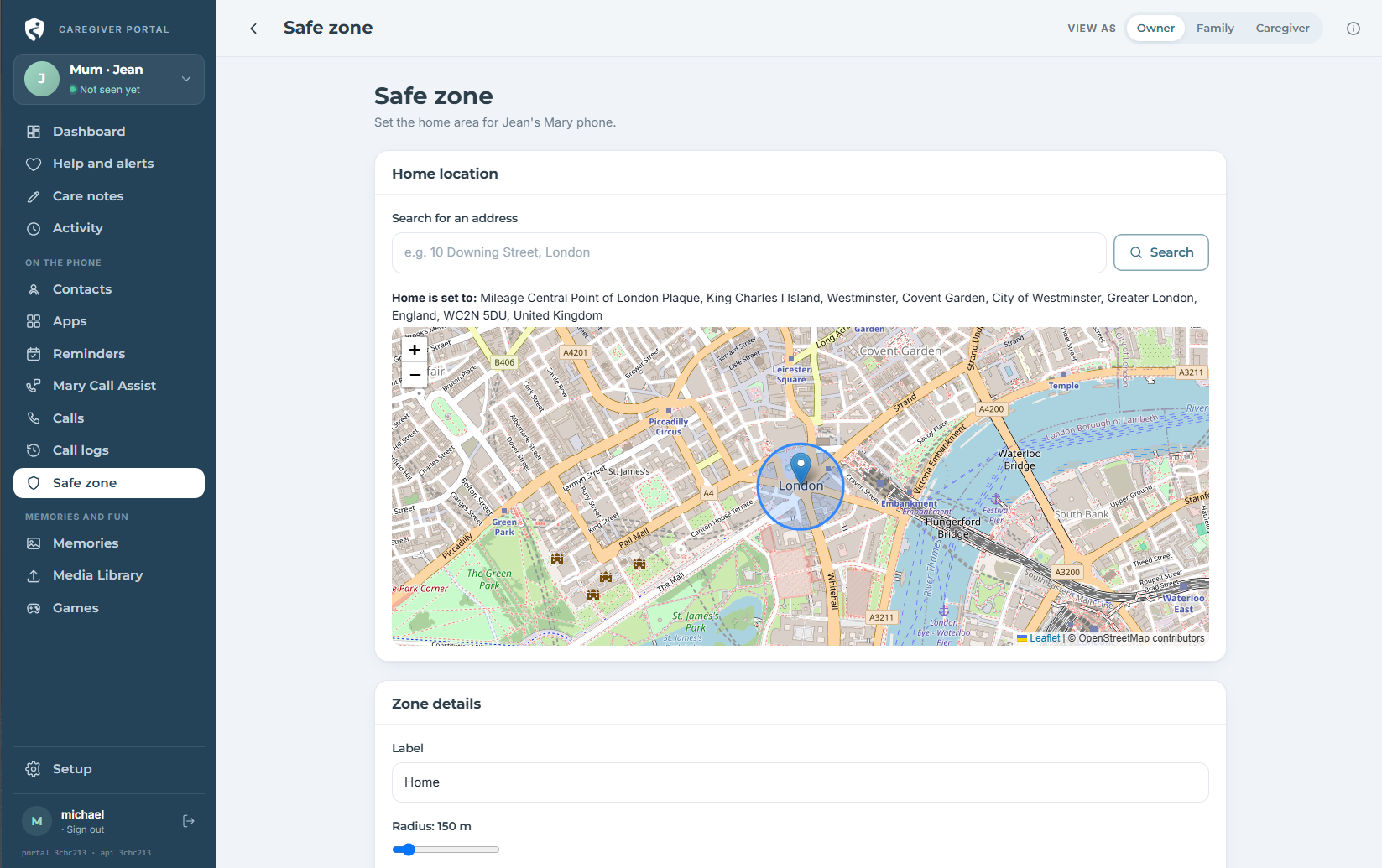
How Mary Care connects your family
Mary App, Mary Companion, Mary Portal and connected Mary TV link through one secure family account. Ask us about early access for your family. Trusted family members can manage permitted contacts, reminders and settings, while approved device information is shared back through the same account.
The family stays connected through a secure shared space
A guided journey built into the products
Talk to us about your family
Request information, and tell us what your family needs. We will help you explore Mary Care and explain how to activate early access with an promo code.
Add the person you support
Add their name, photo and the details needed to make their experience familiar and personal.
Download the Mary app on their Android phone
Install Mary from Google Play and sign in to connect the phone to your family account.

Link their phone to your Mary Care family account and choose what matters
Choose permitted contacts, apps, reminders and HELP settings for the person you support.
Invite trusted family members and connect Mary Companion
Share support with approved family members so the right people can help from wherever they are.

You can also get Mary TV for Android TV and add connected TV support to your membership. As needs change, update contacts, reminders, permissions and settings together.
Use Mary Portal in your browser
Mary Portal is the browser-based management space included with your family account. It coordinates the Mary app and Mary Companion, making larger setup tasks such as profiles, contacts, reminders and permissions easier on a bigger screen.
There is nothing to download. Sign in securely from a supported web browser whenever you need to review or adjust your family setup.